 |
 |
If the goal is to combine the imported mesh (including STL) with geometry objects, it is recommended to work in a Mesh-Based Geometry. Boolean operations when one or more of the parts originate from mesh are more stable to build using a mesh Union operation, instead of using Boolean operations in the Geometry sequence. See also Importing Geometry to Mesh.
|
|
•
|
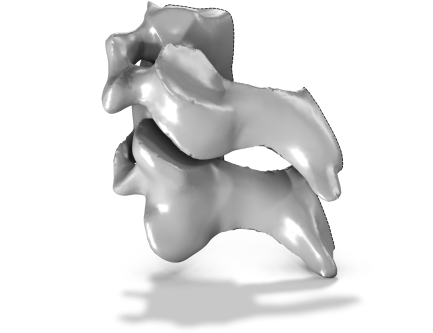
Add an Import node to the geometry sequence and browse to import any supported mesh file.
|
|
•
|
Optional, but recommended if combining the geometry with imported mesh: Select the Construction Geometry checkbox to use the generated object as a tool object to aid with positioning the geometry relative to the mesh.
|
|
•
|
Select an existing mesh part or meshing sequence. In the Mesh toolbar, click Create Geometry (
 ) or right-click and select it from The Graphics Context Menu. ) or right-click and select it from The Graphics Context Menu. |
|
•
|
Optional, but recommended if combining the geometry with imported mesh: Add a Mesh-Based Geometry node add two Import nodes: one that imports the Geometry sequence, and one that imports the mesh. See the tutorial below for an example of how this can be done.
|
 |
STL Import 2 — Combining Geometry with an Imported Mesh: Application Library path COMSOL_Multiphysics/Meshing_Tutorials/stl_2_combine_geom_mesh
|