|
|
|
|
1
|
|
2
|
Click
 Done. Done. |
|
1
|
|
2
|
|
3
|
Click
 Browse. Browse. |
|
4
|
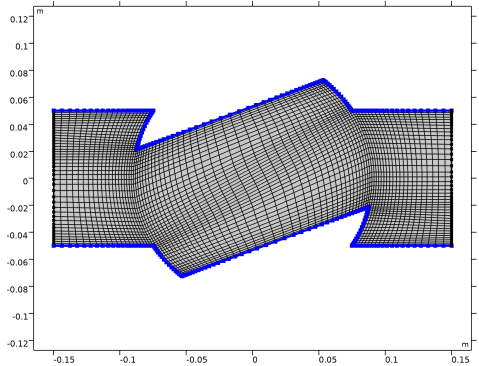
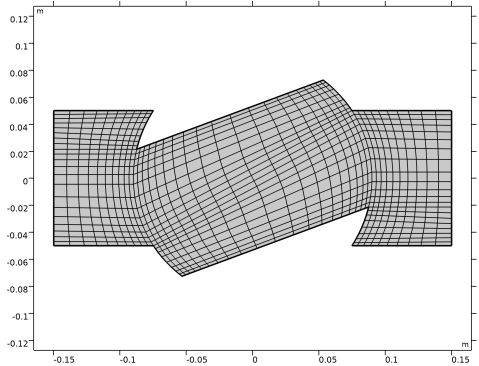
Browse to the model’s Application Libraries folder and double-click the file valve_mesh.mphbin.
|
|
5
|
Click
 Import. Import. |
|
1
|
|
2
|
|
3
|
|
4
|
|
5
|
|
6
|
|
1
|
|
2
|
|
3
|
|
4
|
|
5
|
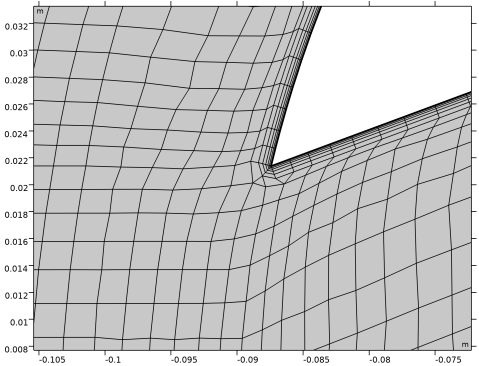
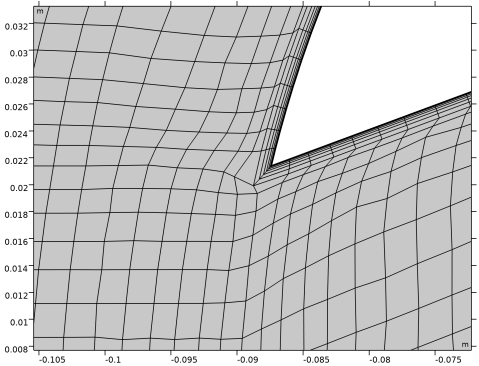
Locate the Layers section. In the Number of layers text field, type 6 to specify the number of layers in the boundary layers mesh.
|
|
6
|
In the Stretching factor text field, type 1.4 to specify the increase in thickness between two consecutive boundary layers.
|
|
7
|
|
8
|
In the Total thickness text field, type 1[mm] to precisely control the thickness of the boundary layers mesh.
|
|
10
|
|
1
|
|
2
|
|
3
|
|
4
|
|
5
|
|
1
|
|
2
|
|
3
|
|
1
|
|
2
|
|
3
|
|
4
|
|
1
|
|
2
|
|
3
|
|
4
|