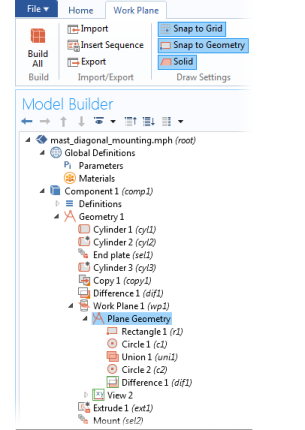
For step-by-step instructions and general documentation descriptions, this is the Work Plane modal toolbar.
|
|
For step-by-step instructions and general documentation descriptions, this is the Work Plane modal toolbar.
|
 |
The Work Plane toolbar is similar to the 2D Geometry Toolbar except that the Virtual Operations menu is not available and there is a Close button.
|