Results
Electric Field, Bidirectional, Mode Expansion
1
In the Model Builder window, select the Electric Field, Bidirectional, Mode Expansion
node and click the Zoom Extents button
in the Graphics window toolbar.
The input wave now appears at the right waveguide, as expected.
Electric Field, Difference Between Actual and Target
1
In the Model Builder window, click Electric Field, Difference Between Actual and Target
and click the Zoom Extents button
in the Graphics window toolbar.
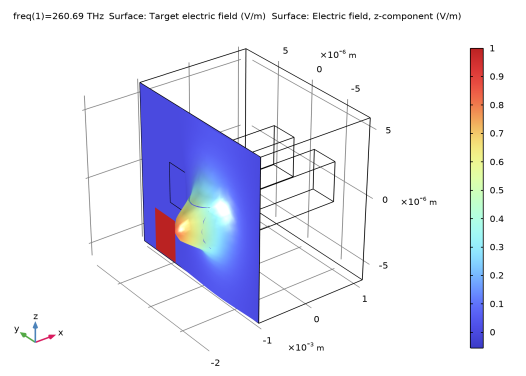
The result confirms that the input field approximates the target field.
This concludes this introduction to the Wave Optics Module. For further reading, including theory sections, see the
Wave Optics Module User’s Guide
.
 node and click the Zoom Extents button
  in the Graphics window toolbar.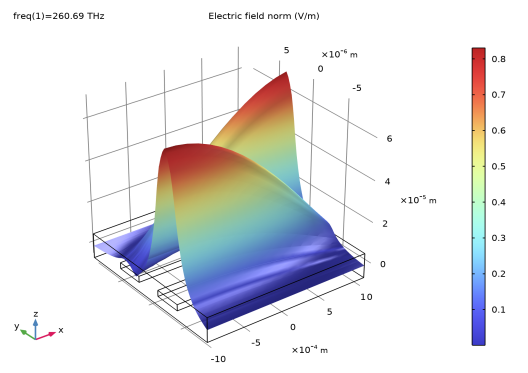
 and click the Zoom Extents button
  in the Graphics window toolbar.