Materials
Now, add materials for the cladding and the core of the waveguides. First, add the waveguide cladding material. By default, the first material will be assigned to all domains. In the second step, you will define the waveguide core material.
For this waveguide structure, GaAs is used as the cladding material and ion-implanted GaAs is used as the core material.
Material 1
1
From the Materials toolbar click Blank Material
.
2
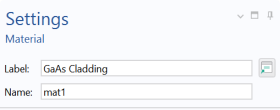
Go to the Settings window for Material. Type
GaAs Cladding
in the Label text field.
3
Under the Material Contents section, enter the following settings in the table:
The Stop signs, initially shown, disappear when you enter values into the Value fields.
Material 2
1
From the Materials toolbar, click Blank Material
.
2
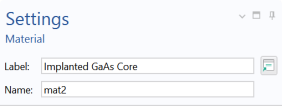
Go the Settings window for Material. Type
Implanted GaAs Core
in the Label text field.
3
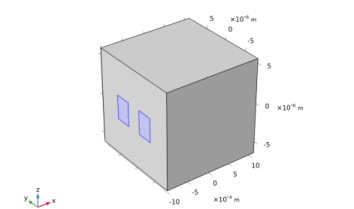
Select only the waveguide cores, domains 2 and 3.
4
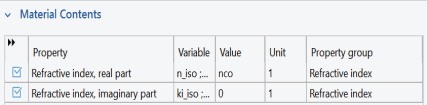
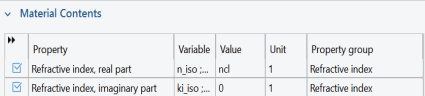
Under the Material Contents section enter the following settings in the table:
 .
. 
 .
.