Definitions
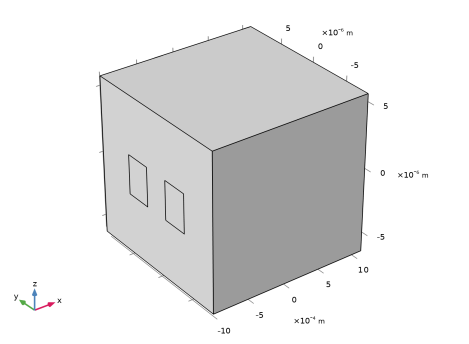
Since the geometry is so long and narrow, it is better to change the aspect ratio in the view.
1
In the Model Builder, expand the Component 1 > Definitions > View 1 node
, then click Camera
.
2
Go to the Settings window for Camera. In the Camera section, choose Automatic from the View scale list and select the Automatic update checkbox.
3
Click the Update
button at the top of the Camera settings.
4
Click the Zoom Extents button
in the Graphics window toolbar to produce the figure below.
 , then click Camera
  .
. button at the top of the Camera settings.
 in the Graphics window toolbar to produce the figure below.