|
1
|
|
3
|
|
-
|
|
-
|
|
-
|
|
-
|
|
-
|
|
3
|
|
-
|
|
-
|
|
-
|
|
-
|
|
-
|
|
3
|
|
3
|
|
3
|
|
6
|
Find the Pervious Layer section, under External hydraulic head enter -2 in the Hb text field, and under Conductance enter 1/5[d] in the Rb text field.
|
 , click the Unsaturated Porous Medium 1 node.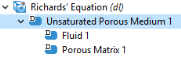
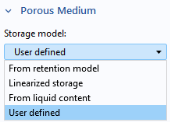
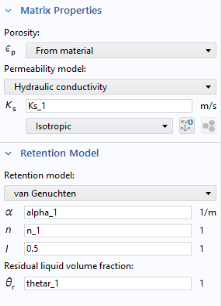
 .
. button.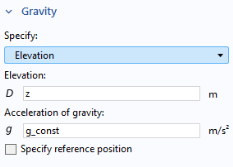
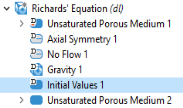
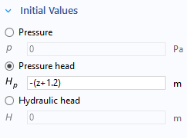
 .
. . In the Physics toolbar click Boundaries
  and select Pressure Head. Alternatively, right-click on Richards’ Equation (dl)
  and select Hydraulics > Pressure Head from the menu.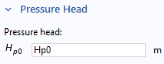
 and select Pervious Layer.
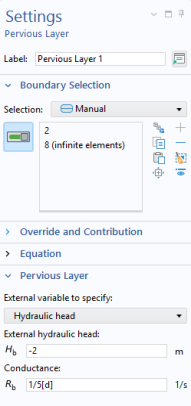 Alternatively, right-click on Richards’ Equation (dl)
  and select Hydraulics > Pervious Layer.