|
1
|
|
3
|
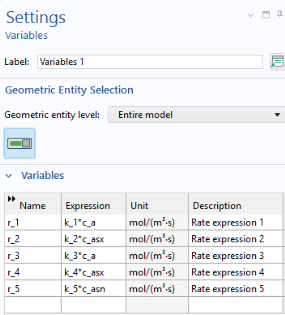
Browse to the file pesticide_transport_variables.txt in the Application Libraries folder on your computer, Subsurface_Flow_Module\Solute_Transport. Double-click to add or click Open.
|
 and select Infinite Element Domain
  . Select Domains 3 and 4 only.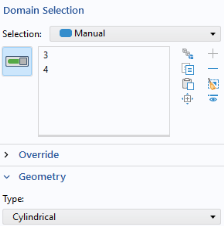
 and select Variables
  .
. button.