 ).).
).).
 |
|
•
|
Split the selections into several Spot Welds nodes.
|
|
•
|
|
•
|
In the Advanced section in the settings for Spot Welds, change the Search method to Manual, and set a suitable Search distance.
|
|
•
|
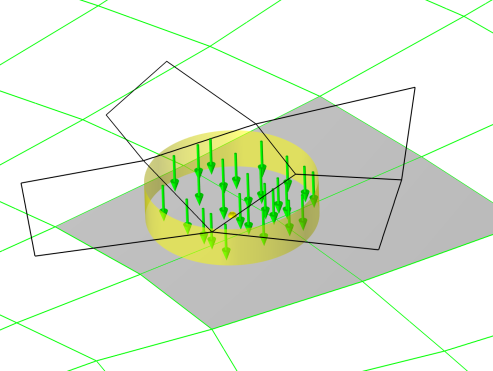
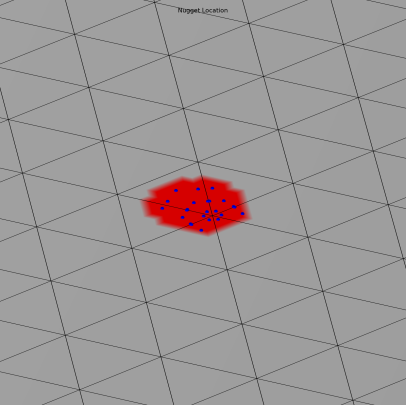
A Spot Welds Forces plot group, to show the normal and shear forces at each weld, and a label showing the identity number of each weld. Normal forces are plotted as green arrows, and shear forces as blue arrows. To display the spot weld forces, these have to be evaluated first using the Spot Welds Normal Forces and the Spot Welds Shear Forces evaluation groups.
|
|
•
|
A Spot Welds Normal Forces evaluation group that contains a table of the location and the normal forces of all welds. Evaluate this table to display the forces in the Spot Welds Forces plot group.
|
|
•
|
A Spot Welds Shear Forces evaluation group that contains a table of the location and the shear forces of all welds. Evaluate this table to display the forces in the Spot Welds Forces plot group.
|
|
•
|
A Spot Welds Forces Magnitude evaluation group that contains a table of the normal and shear forces magnitude of all welds. In the table, select Show Row Numbers to display the number of each fastener.
|