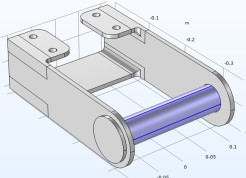
 This means that the flanges of the pin will be bonded to the bracket arms. Since the boundaries of the pin are geometrically adjacent to the bracket, this was automatically identified. You can check, and, if needed, modify the definition of a pair under the Definitions branch in the Model Builder window.
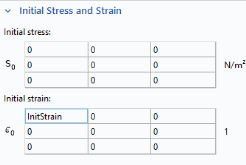
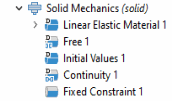
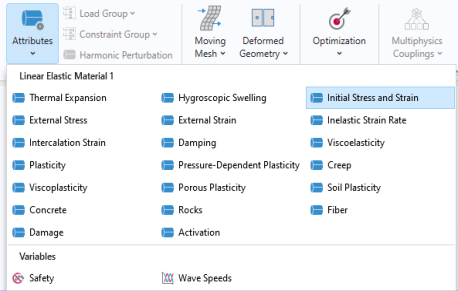
 and select Initial Stress and Strain
  .
.
 . Then select only Domain