Definitions
As a final step, create a plot that can be used as a model thumbnail. From this plot, it should be possible to identify the model at first glance so it has to display the geometry and some characteristic simulation results. First change to the default 3D view and switch off the grid.
1
Click the Go to Default View
button in the Graphics toolbar.
2
In the Definition toolbar, click View 5
.
3
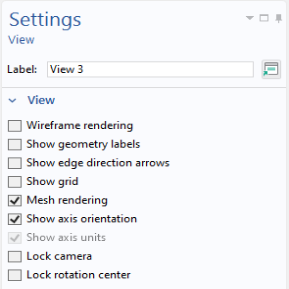
Go to the Settings window for View 5.
4
Under View click to clear the Show grid checkbox.
 button in the Graphics toolbar.
 .
.