Results
Examine the default plot.
Volume Fraction of Fluid 1 (pf)
1
In the Model Builder window, under Results click Volume Fraction of Fluid 1 (pf).
2
In the Settings window for 2D Plot Group, locate the Data section.
3
From the Time (s) list, choose 0.03.
4
You can step through time using the Plot Next
buttons at the top of the plot group.
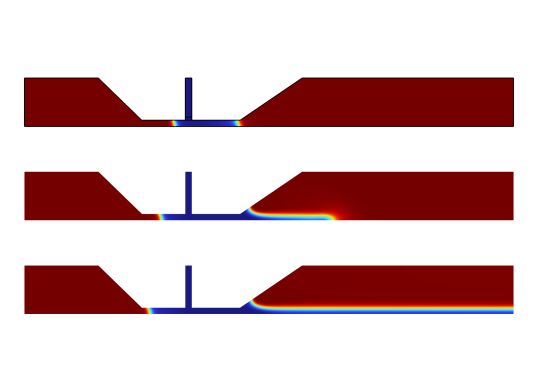
Coating fluid interface at
t
= 0.03
s,
t
= 0.06
s, and
t
= 0.2
s (top to bottom).
Proceed to reproduce the plot of the film thickness and the upstream meniscus position.
Film Thickness and Upstream Meniscus Position
1
In the Home toolbar, click
Add Plot Group and choose 1D Plot Group.
2
In the Settings window for 1D Plot Group, type Film Thickness and Upstream Meniscus Position in the Label text field.
3
Locate the Legend section. From the Position list, choose Upper left.
Global 1
1
Right-click Film Thickness and Upstream Meniscus Position and choose Global.
2
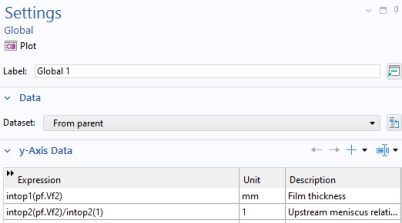
In the Settings window for Global, locate the y-Axis Data section.
3
In the table, enter the following settings:
4
In the Film Thickness and Upstream Meniscus Position toolbar, click
Plot. The plot in the
Graphics
window should look like that in
Figure 9
.