|
1
|
|
-
|
|
3
|
In this example, the default Churchill friction model can be applied. In many of the Settings windows in the COMSOL Desktop, there is an Equation section that you can expand. This shows you the equations employed by the current setting. In this case, the correlations for the default friction factor model Churchill is displayed. Also, if you are interested in the underlying theory of any Settings window, press F1 or the Help button
 . This takes you to the documentation section describing the current Settings window. . This takes you to the documentation section describing the current Settings window.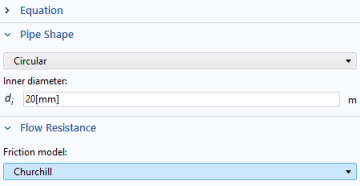 |
|
3
|
|
-
|
|
2
|
In the Settings window for Temperature locate the Temperature section. In the Tin text field, type 5[degC].
|
|
2
|
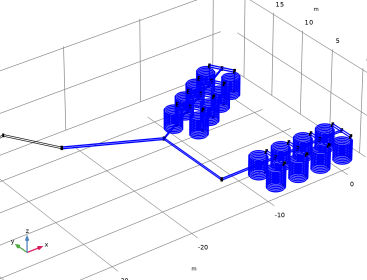
From the Selection list, choose Submerged pipes. The first two segments of the main feed and return pipes are situated above the water surface and are therefore and are not included in this feature.
 |
|
3
|
In the Settings window for Wall Heat Transfer locate the Heat Transfer Model section. In the Text text field, type T_pond(z).
|
|
-
|
From the k list, choose User defined.
|
|
-
|
In the k text field, type 0.46[W/m /K].
|
|
-
|
|
-
|
In the text field, type 2[mm].
|
|
-
|
|
-
|
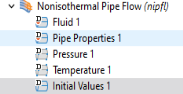
 and choose Pipe Properties.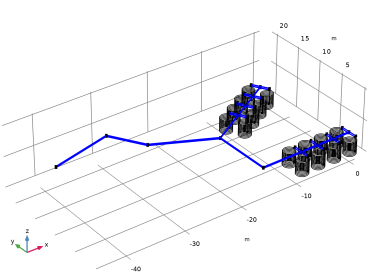
 and choose Wall Heat Transfer.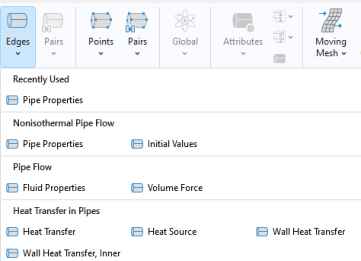
 Attributes and choose Internal Film Resistance.
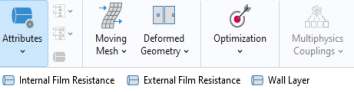 This adds an automatic calculation of the heat transfer coefficient, based on the Nusselt number.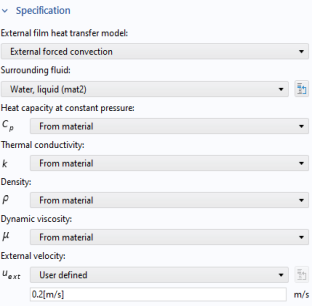
 and choose Inlet
  .
. and choose Heat Outflow
  .
.