Study 1
The topology optimization study step was added from the Model Wizard, so the solver, objective function and constraint is already setup, so the only thing left to do is to reduce the number of iterations and switch on plotting while solving.
Topology Optimization
1
Select the Topology Optimization study step in the Model Builder window,
.
2
Set the Maximum number of iterations to
50
.
3
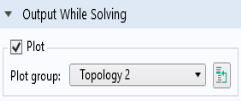
Locate the Output While Solving section.
-
Select the Plot checkbox.
-
From the Plot group list, choose Topology 2.
4
In the Home toolbar click Compute
.
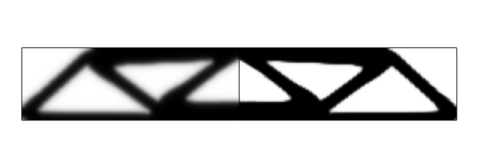
The default plots show the material distribution in the optimized structure, clearly indicating that the load paths follow the optimized topology. Switch to the other plot group to display the stiffness distribution of the final design.
 .
.
 .
.