|
1
|
|
4
|
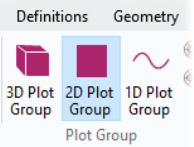
Go to the Rename 2D Plot Group dialog and type Topology in the New name text field. Click OK.
|
|
6
|
Change the expression to Topology.
|
|
2
|
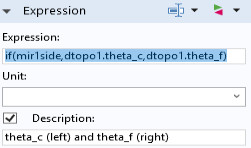
In the Settings window for Surface locate the Expression section. In the Expression text field, type if(mir1side,dtopo1.theta_c,dtopo1.theta_f).
 |
|
3
|
Select the Description checkbox. Write theta_c (left) and theta_f (right) in the associated text box.
|
|
5
|
Select the Topology Plot group in the Model Builder window and press CTRL+SHIFT+D to duplicate it.
|
|
1
|
Rename the new plot group to Topology 2.
|
|
2
|
In the Settings window for Surface locate the Expression section. In the Expression text field, type if(mir1side,dtopo1.theta_f,dtopo1.theta).
|
|
3
|
Select the Description checkbox. Write theta_f (left) and theta (right) in the associated text box.
|
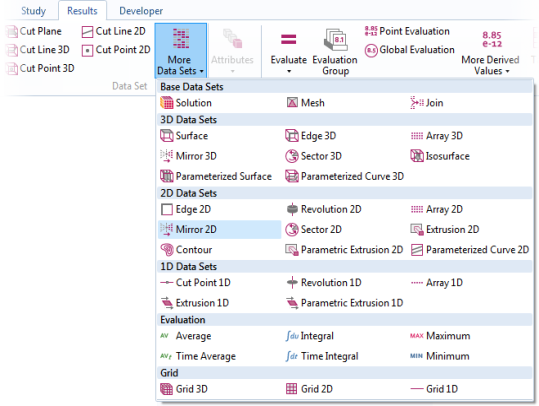
 and choose Mirror 2D
  .
.
 .
.
 and press F2.
 .
. .
. .
.