Mesh 1
For topology optimization, it can be necessary to take manual control over the mesh size, but it this case the predefined meshes work fine, but in this model we will show how one can save computational time by solving the topology optimization problem on a coarse mesh and then use the result as an initial guess for an optimization on a finer mesh.
1
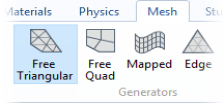
In the Mesh toolbar click Free Triangular
.
Size
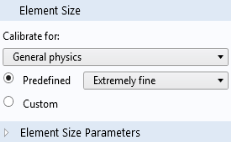
Pick the predefined Extra fine option as the element size.
1
In the Model Builder under Mesh 1, click Size
.
2
In the Settings window for Size locate the Predefined list and choose Extremely fine.
3
Click the Custom button and set the Maximum element size to
meshsz
.
4
Click the Build All button
.
 .
.
 .
.
 .
.