|
|
|






 .
.
 .
. .
. ,
,
 .
. .
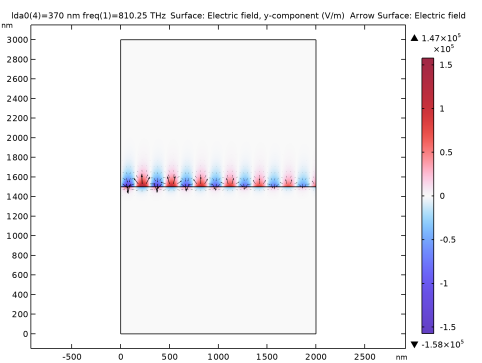
.
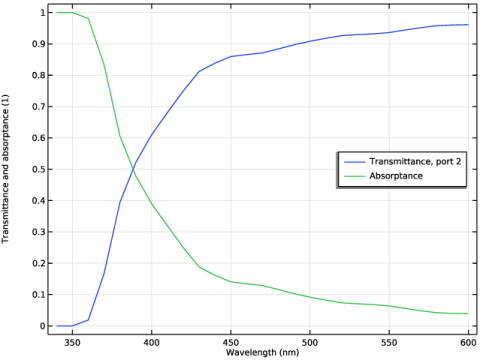
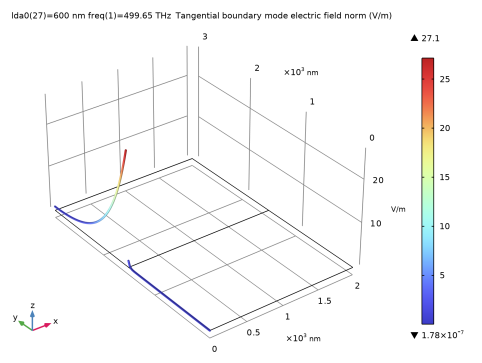
|
1
|
|
2
|
In the Select Physics tree, select Optics > Wave Optics > Electromagnetic Waves, Frequency Domain (ewfd).
|
|
3
|
Click Add.
|
|
4
|
Click
 Study. Study. |
|
5
|
In the Select Study tree, select Preset Studies for Selected Physics Interfaces > Boundary Mode Analysis.
|
|
6
|
Click
 Done. Done. |
|
1
|
|
2
|
|
1
|
|
2
|
|
3
|
|
1
|
|
2
|
|
3
|
|
4
|
|
5
|
Click to expand the Layers section. In the table, enter the following settings:
|
|
6
|
Click
 Build All Objects. Build All Objects. |
|
1
|
|
2
|
Go to the Add Material window.
|
|
3
|
In the tree, select Optical > Inorganic Materials > Ag - Silver > Experimental data: bulk, thick film > Ag (Silver) (Johnson and Christy 1972: n,k 0.188-1.94 um).
|
|
4
|
Click the Add to Component button in the window toolbar.
|
|
1
|
In the Model Builder window, under Component 1 (comp1) right-click Materials and choose Blank Material.
|
|
2
|
|
4
|
Locate the Material Contents section. In the table, enter the following settings:
|
|
5
|
|
1
|
|
3
|
|
4
|
|
1
|
|
3
|
|
4
|
|
1
|
|
2
|
|
3
|
|
4
|
|
1
|
|
2
|
|
3
|
|
4
|
|
1
|
|
2
|
|
3
|
|
1
|
|
2
|
|
3
|
Click
 Add. Add. |
|
5
|
Click
 Range. Range. |
|
6
|
|
7
|
|
8
|
|
9
|
Click Add.
|
|
1
|
|
2
|
|
3
|
Locate the Definition section. In the Expression text field, type (mat1.rfi.nr(x)-1i*mat1.rfi.ni(x))^2.
|
|
4
|
Click to expand the Advanced section. Select the May produce complex output for real arguments checkbox.
|
|
1
|
|
2
|
|
3
|
From the list, choose User-controlled mesh.
|
|
1
|
|
2
|
|
3
|
|
4
|
|
6
|
|
7
|
Locate the Element Size Parameters section.
|
|
8
|
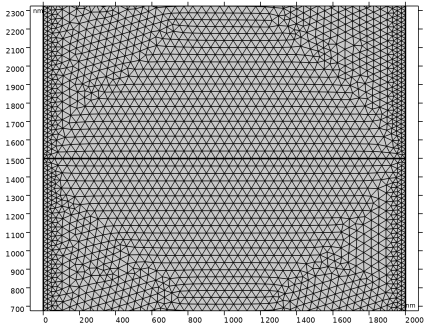
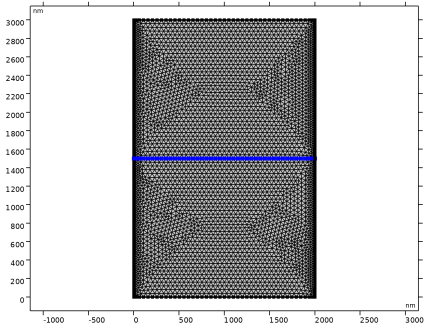
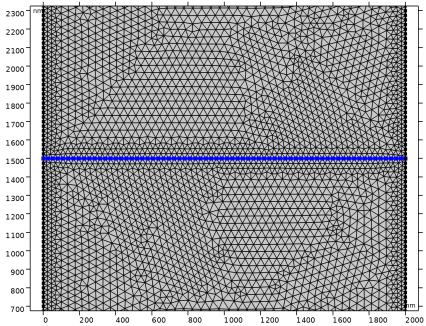
Select the Maximum element size checkbox. In the associated text field, type (lda0/real(sqrt(epsilonr(lda0/1[m])/(1+epsilonr(lda0/1[m])))))/12.
|
|
9
|
|
1
|
|
2
|
|
3
|
|
1
|
|
2
|
|
3
|
|
4
|
|
5
|
|
1
|
|
2
|
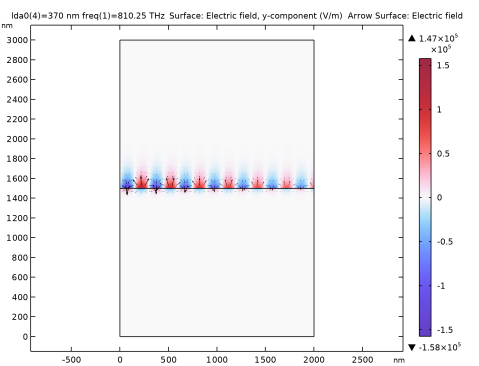
In the Settings window for Arrow Surface, click Replace Expression in the upper-right corner of the Expression section. From the menu, choose Component 1 (comp1) > Electromagnetic Waves, Frequency Domain > Electric > ewfd.Ex,ewfd.Ey - Electric field.
|
|
3
|
Locate the Arrow Positioning section. Find the X grid points subsection. In the Points text field, type 50.
|
|
4
|
|
5
|
|
6
|
|
7
|
|
1
|
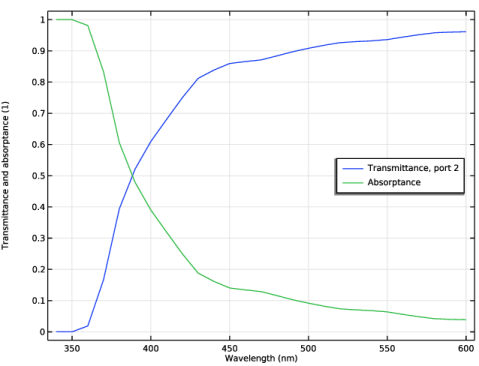
In the Model Builder window, under Results click Reflectance, Transmittance, and Absorptance (ewfd).
|
|
2
|
In the Settings window for 1D Plot Group, type Transmittance and Absorptance (ewfd) in the Label text field.
|
|
3
|
Locate the Plot Settings section. In the y-axis label text field, type Transmittance and absorptance (1).
|
|
4
|
|
1
|
In the Model Builder window, expand the Transmittance and Absorptance (ewfd) node, then click Global 1.
|
|
2
|
|
4
|
Click
 Delete. Delete. |
|
5
|
|
1
|
|
1
|
|
2
|
|
3
|
|
4
|
|
5
|
|
6
|
Locate the Plot Settings section.
|
|
7
|
|
8
|
|
1
|
|
2
|
|
4
|
|
5
|
|
6
|
|
7
|
Click to expand the Coloring and Style section. Find the Line style subsection. From the Line list, choose None.
|
|
8
|
|
9
|
|
10
|
|
1
|
|
2
|
|
3
|
|
4
|
Locate the Coloring and Style section. Find the Line style subsection. From the Line list, choose Dashed.
|
|
5
|
|
6
|
|
7
|
Locate the Legends section. In the table, enter the following settings:
|
|
1
|
|
2
|
|
3
|
|
4
|
|
5
|
|
6
|
|
7
|
|
1
|
|
2
|
|
3
|
|
4
|
Locate the Coloring and Style section. Find the Line style subsection. From the Line list, choose Solid.
|
|
5
|
|
6
|
|
7
|
Locate the Legends section. In the table, enter the following settings:
|
|
1
|
|
2
|
|
3
|
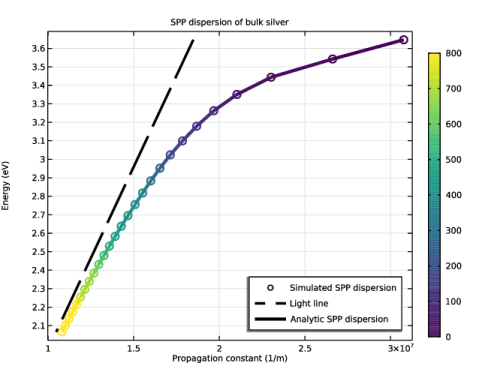
In the Expression text field, type real((ewfd.omega/c_const)*sqrt(epsilonr(lda0)/(epsilonr(lda0)+1)))/imag(-(ewfd.omega/c_const)*sqrt(epsilonr(lda0)/(epsilonr(lda0)+1))).
|
|
4
|
|
5
|