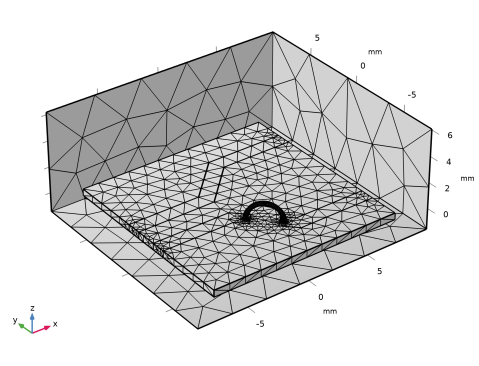
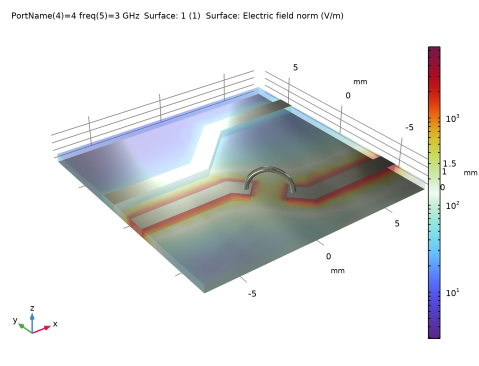
|
|
|
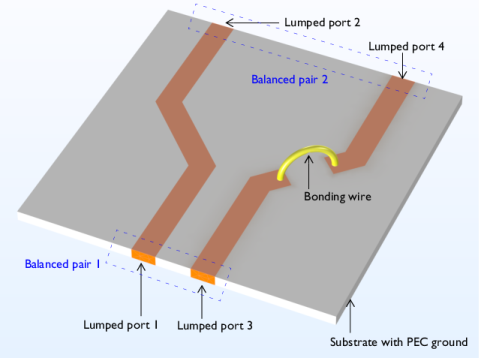
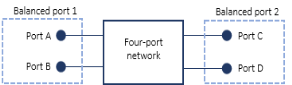









|
Scc11
|
||||
|
Scc12
|
||||
|
Scc21
|
||||
|
Scc22
|
||||
|
Scd11
|
||||
|
Scd12
|
||||
|
Scd21
|
||||
|
Scd22
|
||||
|
Sdc11
|
||||
|
Sdc12
|
||||
|
Sdc21
|
||||
|
Sdc22
|
||||
|
Sdd11
|
||||
|
Sdd12
|
||||
|
Sdd21
|
||||
|
Sdd22
|
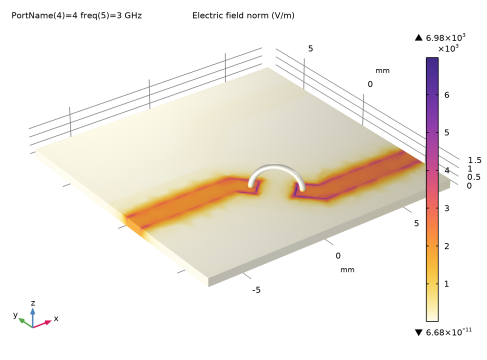
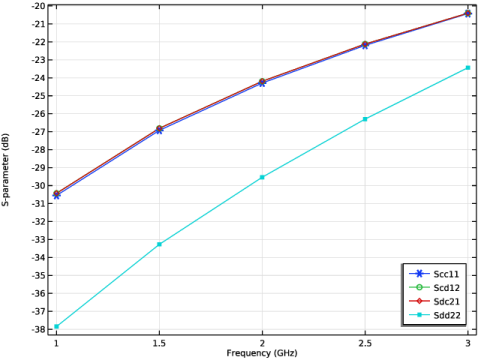
|
1
|
|
2
|
|
3
|
Click Add.
|
|
4
|
Click
 Study. Study. |
|
5
|
|
6
|
Click
 Done. Done. |
|
1
|
|
2
|
|
1
|
|
2
|
|
3
|
|
1
|
|
2
|
|
3
|
|
4
|
|
5
|
|
6
|
|
7
|
|
1
|
|
2
|
|
3
|
|
1
|
|
2
|
|
3
|
|
4
|
|
5
|
|
1
|
|
2
|
|
3
|
|
4
|
|
5
|
Click
 Build Selected. Build Selected. |
|
1
|
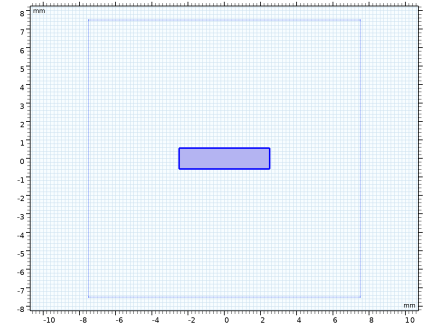
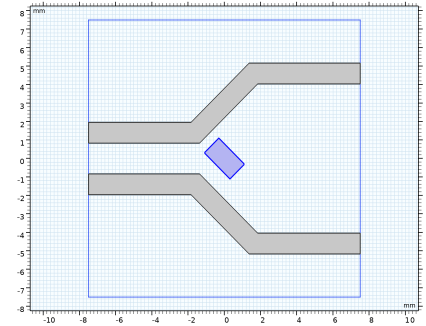
In the Model Builder window, under Component 1 (comp1) > Geometry 1 > Work Plane 1 (wp1) > Plane Geometry right-click Rectangle 1 (r1) and choose Duplicate.
|
|
2
|
|
3
|
|
4
|
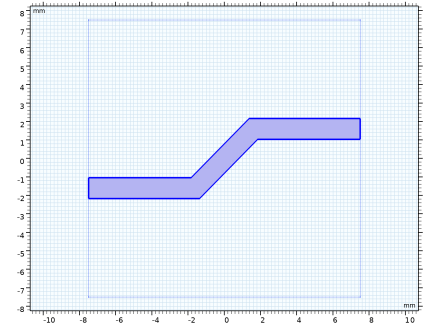
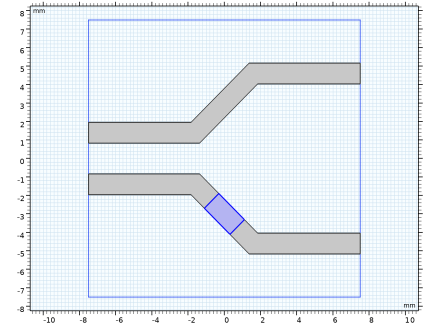
Locate the Position section. In the xw text field, type -sub_l/2+(sub_l/2-5/2/sqrt(2)+line_w/2/sqrt(2))/2.
|
|
5
|
|
1
|
|
2
|
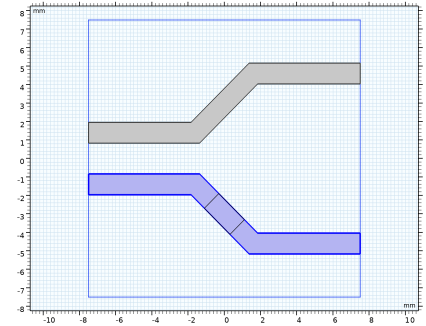
Select the object r2 only.
|
|
3
|
|
4
|
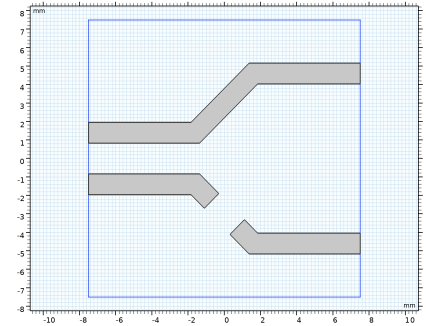
Select the Keep input objects checkbox.
|
|
5
|
|
6
|
Click
 Build Selected. Build Selected. |
|
1
|
|
2
|
Click in the Graphics window and then press Ctrl+A to select all objects.
|
|
3
|
|
4
|
Clear the Keep interior boundaries checkbox.
|
|
1
|
|
2
|
|
3
|
|
4
|
|
1
|
|
2
|
|
3
|
|
4
|
|
5
|
|
6
|
Click
 Build Selected. Build Selected. |
|
7
|
|
8
|
Click
 Build Selected. Build Selected. |
|
1
|
|
2
|
|
3
|
|
4
|
|
5
|
|
1
|
|
2
|
|
3
|
|
4
|
|
1
|
|
2
|
|
3
|
|
4
|
|
1
|
|
2
|
|
3
|
|
4
|
|
5
|
|
6
|
|
1
|
|
2
|
|
4
|
Select the Reverse direction checkbox.
|
|
5
|
|
1
|
|
2
|
|
3
|
|
4
|
|
5
|
|
6
|
|
7
|
|
8
|
|
9
|
Click
 Build Selected. Build Selected. |
|
1
|
|
2
|
|
3
|
|
4
|
|
1
|
|
2
|
|
3
|
|
4
|
|
5
|
|
1
|
|
2
|
|
3
|
|
4
|
|
5
|
|
6
|
|
7
|
|
8
|
|
9
|
Click
 Build All Objects. Build All Objects. |
|
10
|
Click the
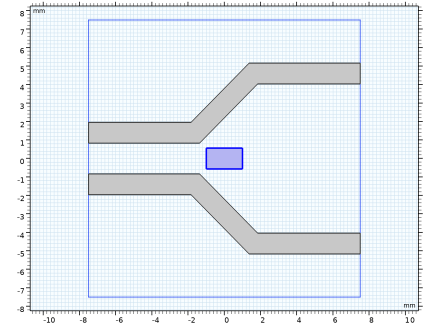
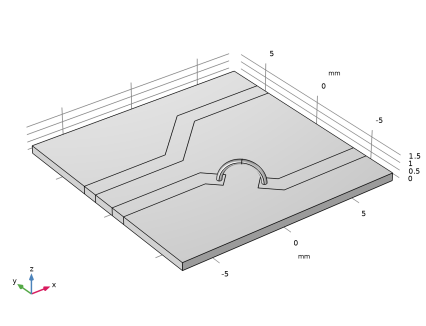
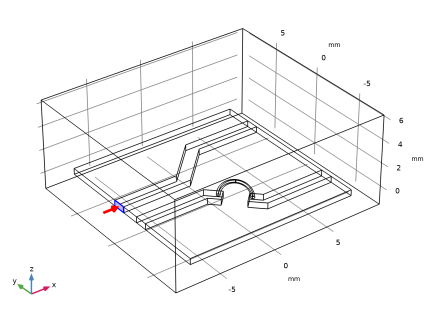
 Wireframe Rendering button in the Graphics toolbar. See the interior using the wireframe rendering. Wireframe Rendering button in the Graphics toolbar. See the interior using the wireframe rendering.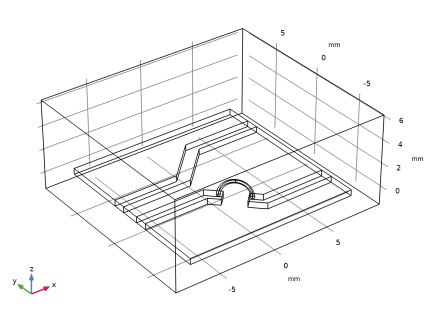 |
|
1
|
|
2
|
Go to the Add Material window.
|
|
3
|
|
4
|
Click the Add to Component button in the window toolbar.
|
|
5
|
|
1
|
In the Model Builder window, under Component 1 (comp1) right-click Materials and choose Blank Material.
|
|
3
|
|
1
|
|
2
|
|
1
|
|
1
|
|
1
|
|
1
|
|
1
|
|
3
|
|
4
|
|
1
|
|
2
|
|
3
|
In the Port name for port B in balanced pair 1 text field, type 3. Balanced pair 1 includes port 1 and port 3.
|
|
4
|
In the Port name for port C in balanced pair 2 text field, type 2. Balanced pair 2 includes port 2 and port 4.
|
|
5
|
|
6
|
In the Settings window for Electromagnetic Waves, Frequency Domain, locate the Port Sweep Settings section.
|
|
7
|
Select the Use manual port sweep checkbox.
|
|
8
|
Click Configure Sweep Settings. By clicking the Configure Sweep Settings button, all necessary port sweep settings such as sweep parameter and parametric study step will be automatically added. It is necessary to run the parametric sweep with port names to get a full S-parameter matrix and build the mixed mode S-parameters.
|
|
1
|
|
2
|
|
3
|
|
4
|
Click
 Build All. Build All. |
|
5
|
|
1
|
|
2
|
|
3
|
|
4
|
|
1
|
|
2
|
|
3
|
Click
 Range. Range. |
|
4
|
|
5
|
|
6
|
|
7
|
Click Replace.
|
|
8
|
|
1
|
|
2
|
|
1
|
|
1
|
|
2
|
|
3
|
|
4
|
|
1
|
|
2
|
|
3
|
Clear the Plot dataset edges checkbox.
|
|
4
|
|
1
|
|
2
|
|
3
|
|
4
|
|
1
|
|
2
|
|
3
|
Click
 Clear Table. Clear Table. |
|
4
|
Click Add Expression in the upper-right corner of the y-Axis Data section. From the menu, choose Component 1 (comp1) > Electromagnetic Waves, Frequency Domain > Mixed-Mode S-Parameters 1 > S-parameter, dB, common mode to common mode > emw.Scc11dB - Scc11.
|
|
5
|
Click Add Expression in the upper-right corner of the y-Axis Data section. From the menu, choose Component 1 (comp1) > Electromagnetic Waves, Frequency Domain > Mixed-Mode S-Parameters 1 > S-parameter, dB, common mode to differential mode > emw.Scd12dB - Scd12.
|
|
6
|
Click Add Expression in the upper-right corner of the y-Axis Data section. From the menu, choose Component 1 (comp1) > Electromagnetic Waves, Frequency Domain > Mixed-Mode S-Parameters 1 > S-parameter, dB, differential mode to common mode > emw.Sdc21dB - Sdc21.
|
|
7
|
Click Add Expression in the upper-right corner of the y-Axis Data section. From the menu, choose Component 1 (comp1) > Electromagnetic Waves, Frequency Domain > Mixed-Mode S-Parameters 1 > S-parameter, dB, differential mode to differential mode > emw.Sdd22dB - Sdd22.
|
|
8
|
Click to expand the Coloring and Style section. Find the Line markers subsection. From the Marker list, choose Cycle.
|
|
9
|
|
1
|
|
2
|
|
3
|
Clear the Plot dataset edges checkbox.
|
|
4
|