|
|
|
|
1
|
|
2
|
Click
 Done. Done. |
|
1
|
|
2
|
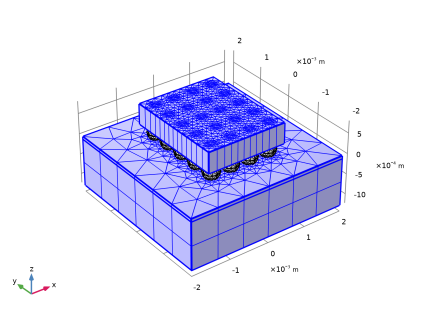
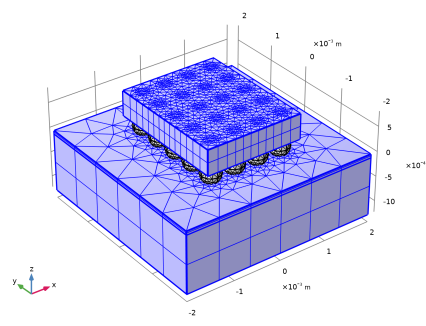
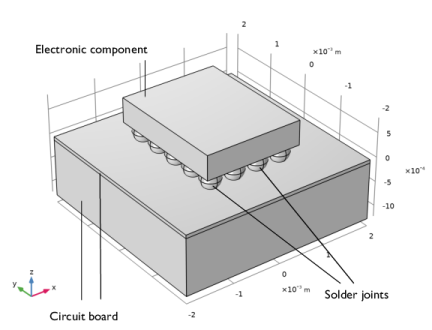
Browse to the model’s Application Libraries folder and double-click the file meshing_sequence_geom_sequence.mph.
|
|
1
|
|
2
|
|
1
|
|
2
|
|
3
|
From the list, choose User-controlled mesh.
|
|
1
|
|
2
|
|
3
|
|
5
|
|
6
|
|
1
|
|
2
|
|
3
|
|
1
|
|
1
|
|
2
|
|
4
|
|
1
|
|
2
|
|
3
|
|
4
|
|
1
|
|
2
|
|
3
|
Click the Predefined button.
|
|
4
|
|
1
|
|
2
|
|
3
|
Select the Resulting objects selection checkbox.
|
|
4
|
|
1
|
|
2
|
|
3
|
|
1
|
In the Model Builder window, under Component 1 (comp1) > Mesh 1 > Free Tetrahedral 1 right-click Size 1 and choose Enable.
|
|
2
|
|
3
|
|
5
|
|
1
|
|
1
|
|
2
|
|
1
|
|
2
|
|
3
|
|
4
|