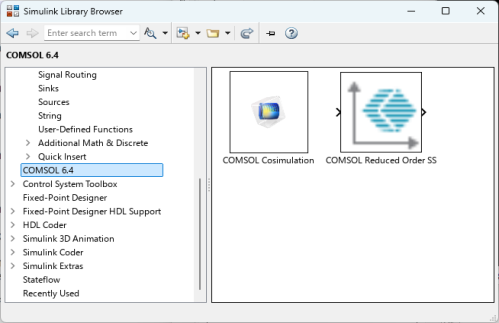
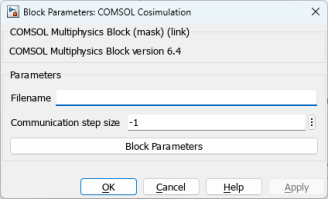
In the Filename field enter the cosimulation filename. If you do not enter the full path for the cosimulation file, the COMSOL Cosimulation block searches in the following locations in the order they are listed below:
In the Communication step size field you enter the time interval at which both programs communicate with each other.
Click Block Parameters if the cosimulation file is defined with block parameters and you want to modify the default value set during the cosimulation file export. If the block parameters is defined with a unit, this unit appears between square bracket. The unit is only for information purpose and tells you in which unit the input is expected, there is no automatic unit conversion.
After you click OK, the block will change appearance to display the inputs and outputs that were defined when you exported the cosimulation file. If an image was set in the cosimulation file, it will be displayed in the block after the file is loaded.