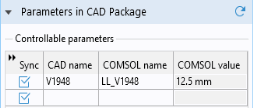
As you can see, the table contains a dimension,
V1948, which is part of the Solid Edge model. This dimension was selected to be linked to COMSOL in Solid Edge and saved in the Solid Edge file. Such linked dimensions are retrieved and appear in the CAD name column of the table, when you click the Synchronize button. The corresponding entry in the COMSOL name column, the parameter
LL_V1948, is a global parameter that is generated automatically in the COMSOL model. When it is created during synchronization,
LL_V1948 is assigned the current value of the corresponding Solid Edge dimension. This value, 12.5 mm, is displayed in the COMSOL value column.
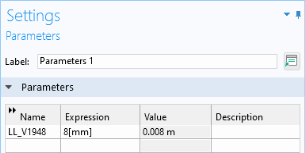
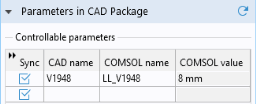
Global parameters in a COMSOL model allow you to parameterize settings and can be controlled by the parametric solver to perform parametric sweeps. Thus, by linking Solid Edge dimensions to COMSOL global parameters, the parametric solver can automatically update and synchronize the geometry for each new value in a sweep. Here you can manually change the parameter value and synchronize.
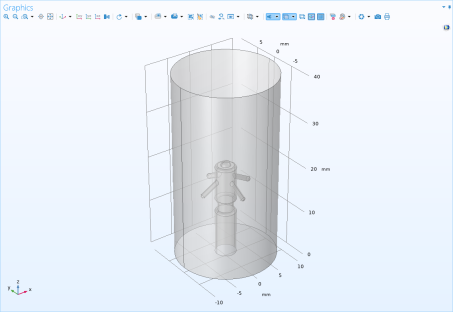
The geometry now changes according to the value of the global parameter LL_V1948 before transferring from Solid Edge to COMSOL. The change affected the position of the counter electrode (thin waist) on the pacemaker.