Creating a Domain with Cap Faces
At this time the geometry is ready for creating the inside domain.
1
In the Geometry toolbar, click
Defeaturing and Repair and choose Cap Faces.
The bounding edges of the empty volume inside the manifold are included in Explicit Selection 1 (sel1).
2
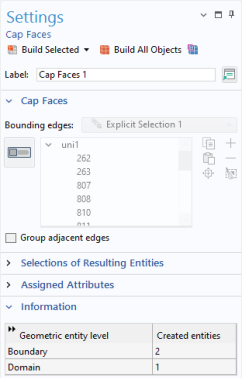
In the Settings window for Cap Faces, from the Bounding Edges list choose Explicit Selection 1.
3
Click
Build Selected to complete the operation.
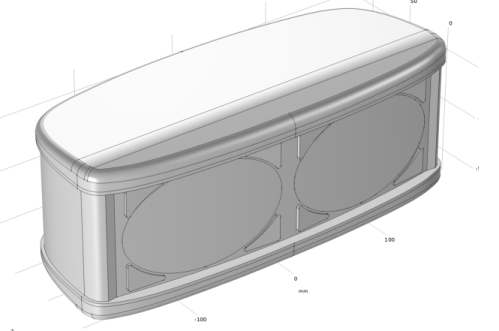
The operation closed off the two openings with new faces, and also created a solid domain where it used to be a void inside the enclosure.
According to the Information section of the Settings window for Cap Faces, 2 boundaries and 1 domain were created.
 Defeaturing and Repair and choose Cap Faces.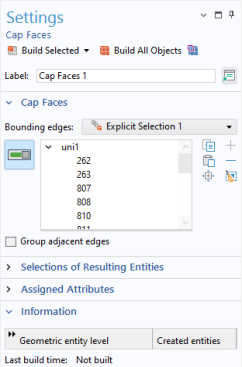
 Build Selected to complete the operation.