Adding a LiveLink Node to the Geometry
1
In the Home toolbar, click LiveLink
then select LiveLink for Revit
.
2
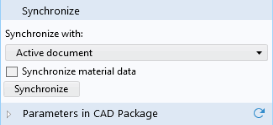
In the Settings window click Synchronize.
If the Revit window is hidden behind other windows on your desktop the Start Synchronization dialog may appear. If this happens, click OK to bring Revit to the front and start the synchronization. Since Revit only allows for the computations of the room geometry to start if a floor plan or section view is active, you may also have to switch to the Level 1 floor plan view in case the synchronization does not start.
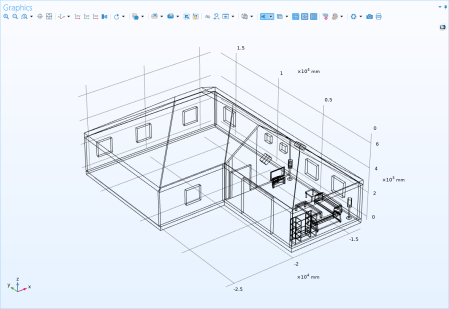
During synchronization the geometry for the living room and the selected elements is generated in Revit and transferred to the COMSOL model.
3
In the Graphics toolbar click Wireframe Rendering
.
4
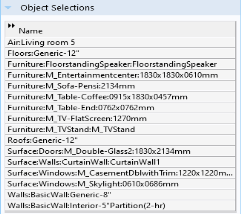
In the Settings window, expand the Object Selections section.
These selections are on the object level, and clicking on a selection in the table highlights the corresponding objects in the Graphics window. The selections are available for input to operations and settings during all stages of the model setup. Read more about how to work with selections in the
COMSOL Multiphysics Reference Manual
.
 then select LiveLink for Revit
  .
.
 .
.