Study
In order to solve the model, you need to create a Study node where the analysis type is set for the solver.
1
Create a
study
node and add a stationary study step:
std = model.study.create('std');
std.feature.create('stat', 'Stationary');
2
Solve the model, run the study with the command:
mphrun(model,'study');
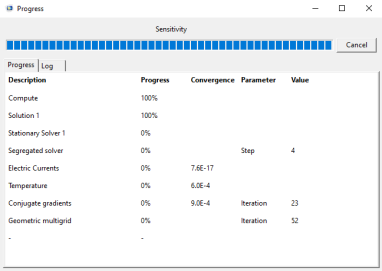
During the computation, a window opens to display the progress information and solver log.
Note:
The progress bar is not available on macOS.
In this example, no solver related settings were necessary since the study node automatically built the solver sequence based on the study type, physics interface, and the space dimension of the model.