|
2
|
|
1
|
Switch to Inventor.
|
|
4
|
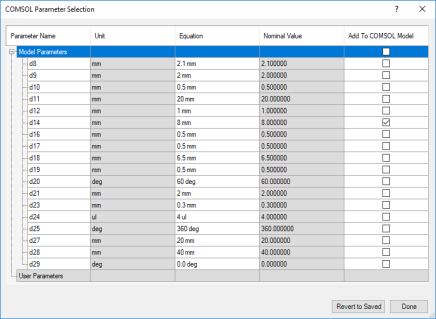
To link the parameter d12 to COMSOL select the corresponding checkbox in the Add to COMSOL Model column.
|
|
7
|
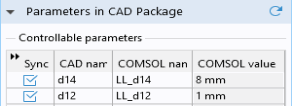
In the Settings window for LiveLink for Inventor click the Update Parameters from CAD
 button. button. |
 button, which is found on the COMSOL Multiphysics tab.