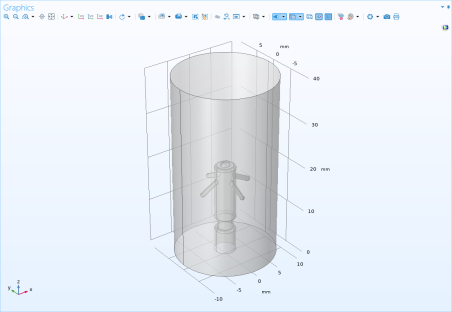
Adding a LiveLink Node to the Geometry
1
In the Home toolbar click LiveLink
and choose LiveLink for
Inventor.
2
In the Settings window for LiveLink for
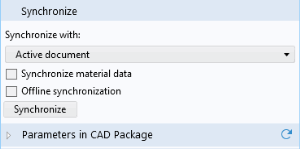
Inventor click the Synchronize button:
By this action you transfer the geometry of the pacemaker electrode from
Inventor to COMSOL.
3
Click the Transparency
button in the Graphics toolbar.
 and choose LiveLink for
  button in the Graphics toolbar.