In the Options menu you can define the error handling settings on the
General page, in the
Error Trapping section:
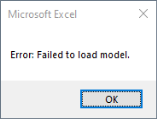
Assuming that the file foo.mph does not exists and if the error trapping is set to Break on All Error, the following error message is returned:
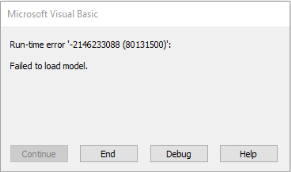
The numbers do not have any useful meaning, but the message in the window states Failed to load model., which is expected. Click the End button to stop the VBA code from running.