Managing Model Loaded on a COMSOL Server
It is possible to import model that is loaded on a COMSOL server and to delete such models.
Load Model from Server
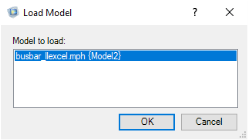
To load a model that is already loaded on a COMSOL server go to the Excel File menu and click COMSOL. In the COMSOL backstage view click Server ()and then Load Model ().
In the Import Application from Server dialog select in the list the application you want to open in the workbook and click OK.
Unload Model From Server
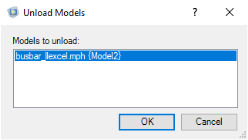
To remove a model from a COMSOL server go to the Excel File menu and click COMSOL. In the COMSOL backstage view click Server ()and then Unload Models ().
In the Remove Application from Server dialog select in the list the application you want to remove from the COMSOL server.