|
1
|
|
6
|
Click the Interpolation button
 and select from the Parameter menu list the second parameter value (wbb = 0.1) and click OK. A COMSOL dialog appears, click OK to confirm replacing the contents of the destination cells. and select from the Parameter menu list the second parameter value (wbb = 0.1) and click OK. A COMSOL dialog appears, click OK to confirm replacing the contents of the destination cells.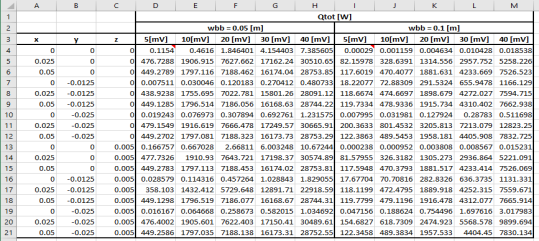 |
|
7
|
Finally repeat the two previous steps to insert the results for the third width parameter value (wbb = 0.15) starting at cell N4.
|
 to update all the numerical results in the worksheet.
 to display the solution for a different value of the busbar width.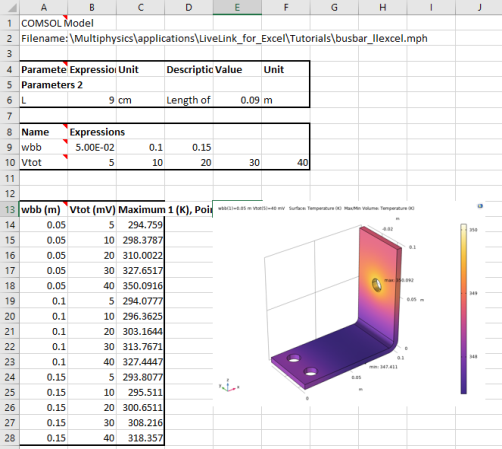
 .
.