|
1
|
|
3
|
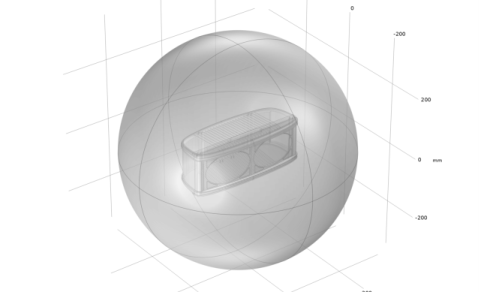
Select the enclosure object (cap1) in the Graphics window.
|
|
4
|
In the Margin text field, type 150[mm].
|
 Sphere.
 Build Selected to create the sphere.
 Zoom Extents button, followed by the
  Transparency button in the Graphics toolbar.