Deleting Holes
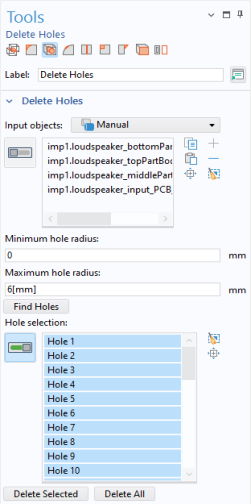
To create a domain inside the enclosure we need the imported objects to form a watertight structure. A first step in achieving this is to apply the Delete Holes operation that can find and delete cylindrical holes in solid objects.
Note: A geometry object that contains more than one domain is a nonmanifold object for which defeaturing operations, such as deleting holes, are not supported. Thus it is recommended to use the defeaturing tools before computing the union of the imported objects.
1
2
3
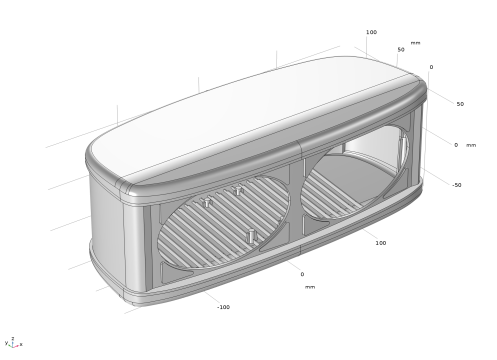
The tool found 36 holes, which appear in the Hole selection list, and they are also highlighted on the geometry.


4
The holes are now deleted, and a Delete Holes 1 (dho1) node is inserted into the geometry sequence.