|
1
|
|
2
|
Select the interface between the electronics packaging and the heat sink, boundary 15. Verify that it appears in the Settings window for Thermal Contact in the Boundary Selection section.
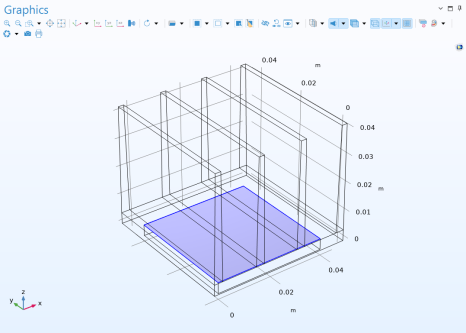 To facilitate the selection of this boundary in the following steps, create a dedicated selection for it. To facilitate the selection of this boundary in the following steps, create a dedicated selection for it. |
|
3
|
Locate the Selection section; click Create Selection
 ; and, in the Create Selection dialog, type Chip/Heat Sink Interface in the Selection name text field. ; and, in the Create Selection dialog, type Chip/Heat Sink Interface in the Selection name text field. |
|
4
|
Click OK.
|
|
7
|
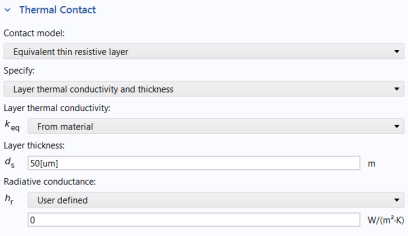
Keep the default value, From material, for the Layer thermal conductivity and in the ds text field, enter 50[um].
 |
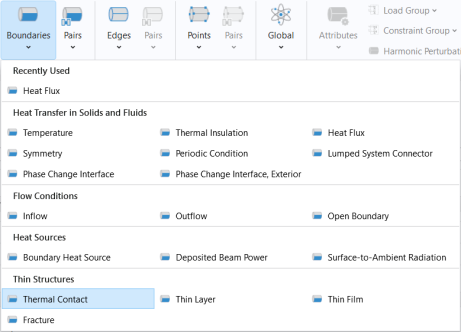
 and choose Thermal Contact
  .
.