Heat Transfer in Solids (ht)
Heat Source 1
1
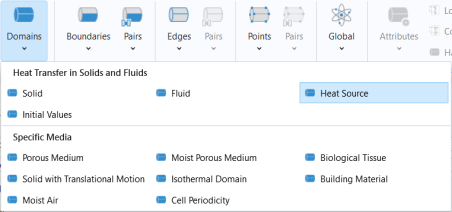
In the Physics toolbar click Domains
and choose Heat Source
.
2
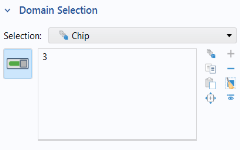
In the Settings window for Heat Source, locate the Domain Selection section.
3
From the Selection list, choose Chip. You can verify that domain 3 is then selected.
4
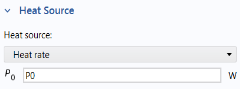
Locate the Heat Source section
, in the Heat Source list choose Heat rate.
5
In the P
0
text field, type
P0
.
P0
is one of the parameters imported from a text file previously.
Heat Flux 1
1
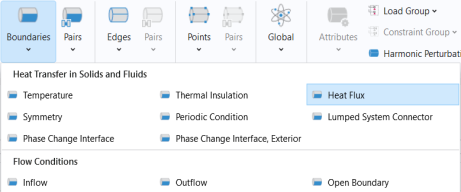
In the Physics toolbar click Boundaries
and choose Heat Flux
.
2
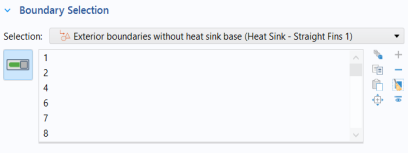
In the Settings window for Heat Flux, locate the Boundary Selection section.
3
From the Selection list, choose Exterior boundaries without heat sink base (Heat Sink - Straight Fins 1).
4
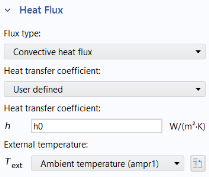
Locate the Heat Flux section.
5
In the Flux type list, choose Convective heat flux.
First enter the heat transfer coefficient defined from a parameter.
6
In the
h
text field, type
h0
.
Then the external temperature is set to the ambient temperature defined in the heat transfer interface (default value is 293.15 K).
7
From the
T
ext
list, choose Ambient temperature (ampr1).
 and choose Heat Source
  .
.
 , in the Heat Source list choose Heat rate.
 and choose Heat Flux
  .
.