|
1
|
|
2
|
|
3
|
In the Settings window for Block, type Membrane in the Label text field.
|
|
8
|
|
2
|
In the Settings window for Block, type Anode Gas Diffusion Electrode in the Label text field.
|
|
2
|
 .
. .
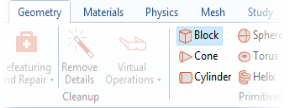
.
 .
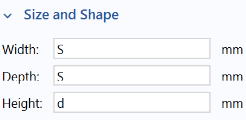
.
 .
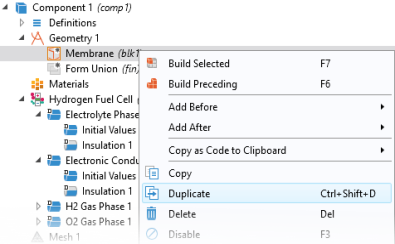
. and choose Duplicate
  .
.
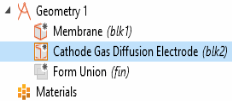
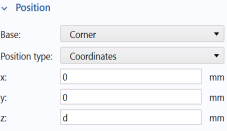
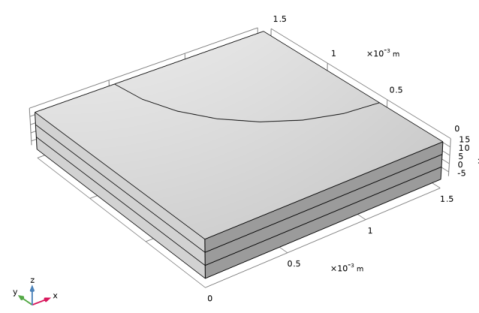
 Build Selected. Your geometry should now look like this: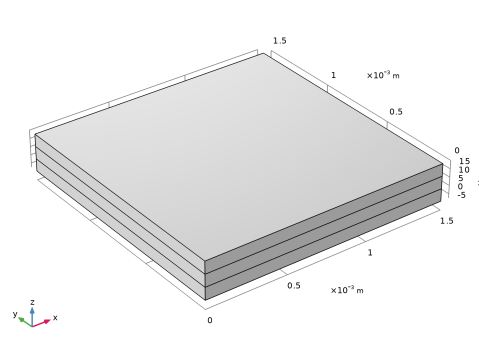
 .
.
 .
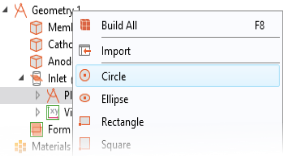
.
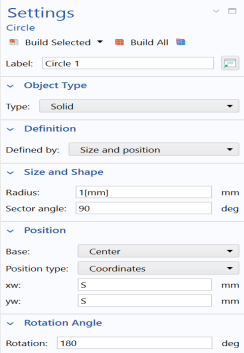
 . Your work plane 2D geometry should now contain a quarter of a circle, looking as follows: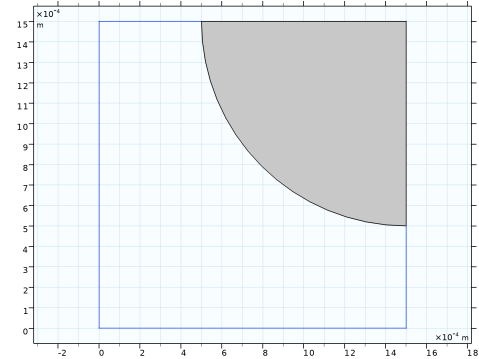
 and then click the Build Selected button
  .
. in the Graphics toolbar. The final 3D geometry should now look like this: