Study 1
Modify the times for the solver to simulate the deposition process during 5 s, storing the solution every 0.5 s. Then start the computation.
1
In the Model Builder expand the Study 1 node then click Step 2: Time Dependent
.
2
In the Settings window under Study Settings and in the Times text field, enter
range(0,0.5,5)
.
3
In the Study toolbar click Compute
.
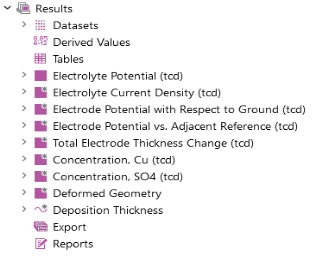
It only takes a few moments for the default plot and Solver Configurations nodes to be added to the Model Builder and for the plots to display in the Graphics window.
 .
. .
.