|
1
|
|
-
|
|
-
|
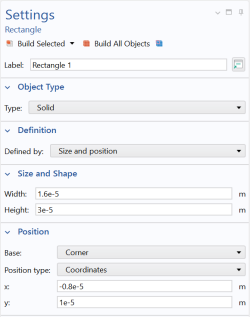
In the x text field enter -0.8e-5
|
|
-
|
|
-
|
|
6
|
|
5
|
|
6
|
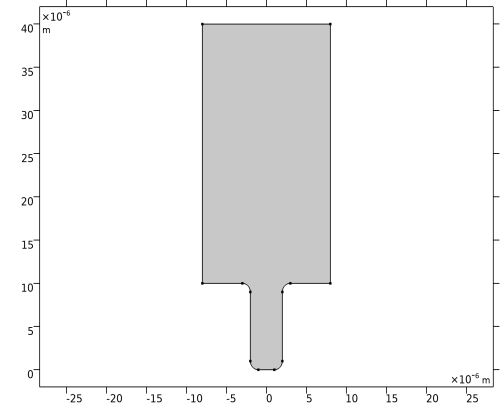
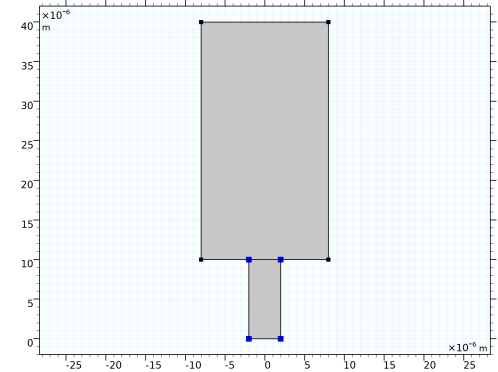
Confirm that 3,4,5,6 are added to the Vertices to fillet list.
|
|
7
|
 and choose Rectangle
  .
.
 and choose Rectangle
  .
.  then click the Zoom Extents button
  in the Graphics toolbar.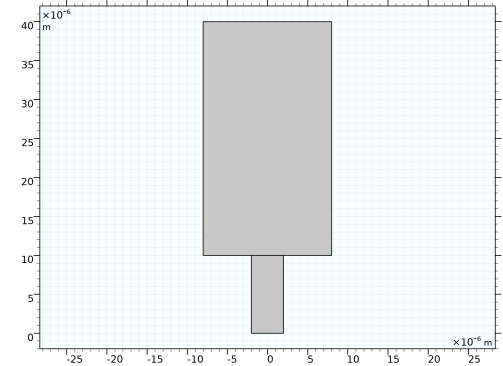
 and choose Booleans and Partitions >Union
  .
. .
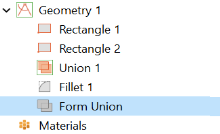
. node. This can be done by Right-clicking Geometry 1
  and choosing Fillet
  .
.
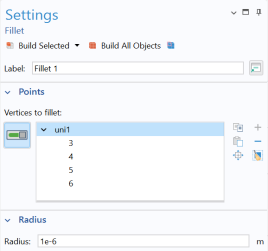
 .
.