Results
Modify One of the Default Plots
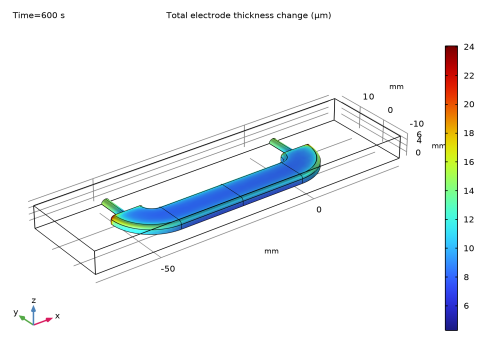
Modify the default plot for the electrode thickness change to show the deposited thickness on the cathode only.
1
2
Right-click Surface 1 and choose Selection.
3
In the Settings window for Selection, locate the Selection section.
4
From the Geometry entity level list, choose Boundary.
5
6
7
Click the Zoom Extents button in the Graphics toolbar.
The plot should match this figure.
8
In the Model Builder window, under Results right-click the Total Electrode Thickness Change (cd) node and choose Rename.
9
In the Rename 3D Plot Group dialog, type Deposited Thickness, Cathode in the New label text field.
10
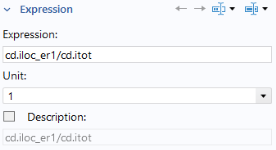
Create a current efficiency plot
1
Right-click Results > Deposited Thickness, Cathode and choose Duplicate.
2
In the Model Builder window, under Results right-click Deposited thickness, cathode 1 and choose Rename.
3
In the Rename 3D Plot Group dialog, type Current Efficiency, Cathode in the New label text field.
4
In the Model Builder window, expand the Deposited Thickness, Cathode 1 node, then click Surface 1.
5
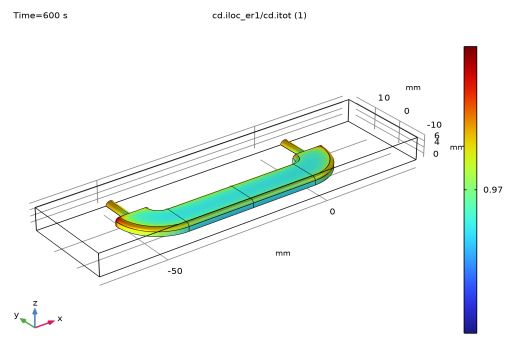
6
The plot should match the figure.