Geometry 1
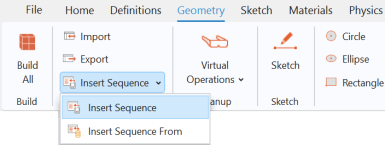
The model geometry is available as a geometry sequence in a separate MPH file. Load it from file with the following steps.
1
2
Browse to the file decorative_plating_geom_sequence.mph in the application library folder Electrodeposition_Module\Tutorials. Double-click to add or click Open.
Note: The location of the file used in this exercise varies based on your installation. For example, if the installation is on your hard drive, the file path might be similar to C:\Program Files\COMSOL\COMSOL64\Multiphysics\applications\.
3
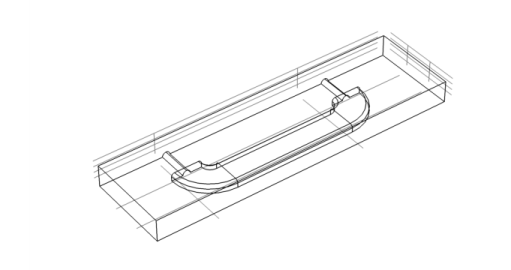
The geometry displays in the Graphics window. Click the Wireframe Rendering button  in the Graphics toolbar to see inside the box and complete the next steps.