|
2
|
|
2
|
In the Settings window for Electrolyte, locate the Electrolyte section. Here the electrolyte conductivity can be set. From the σl list choose User defined and type sigma in the associated text field. sigma is defined in the Parameters
 node. node.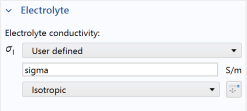 |
|
7
|
|
10
|
|
3
|
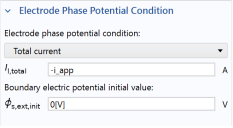
This cell is under galvanic control. Specify this in the Electrode Phase Potential Condition section by selecting Total current in the Boundary condition list and typing -i_app in the Il,total text field that appears. This parameter will also be used in the study to perform a galvanic polarization sweep over the cell.
 |
|
3
|
 , locate the Domain Selection section and choose Orange from the Selection list.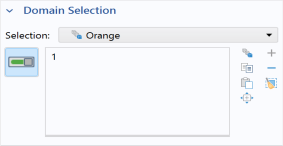
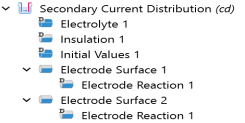
 . The ‘D’ in the upper left corner of a node means it is a default node.
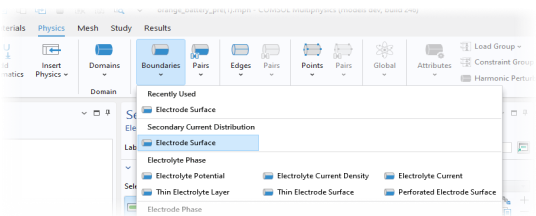
  and choose Electrode Surface
  .
.
 button in the Graphics toolbar to enable transparency and inspect the active boundaries in the Graphics window.
 .
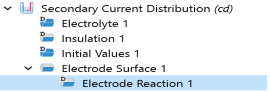
.
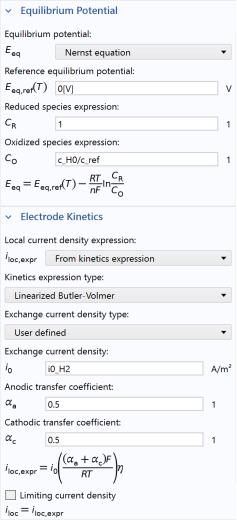
 .
.