 in the Model Builder Window.
|
2
|
|
3
|
Browse to the application’s Application Library folder and double-click the file orange_battery_variables.txt.
|
 .
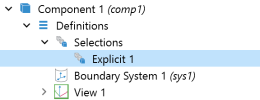
.
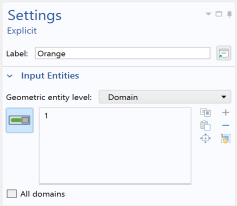
 and select Variables
  . Alternatively, click the Definitions toolbar and select Local Variables
  .
. .
.