
|
2
|
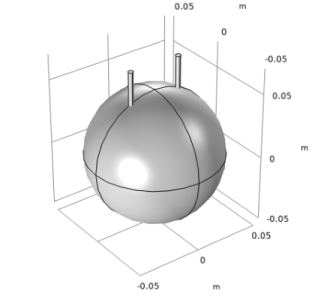
In the Settings window for Sphere, locate the Size section and type 5e-2 in the Radius text field.
|
|
2
|
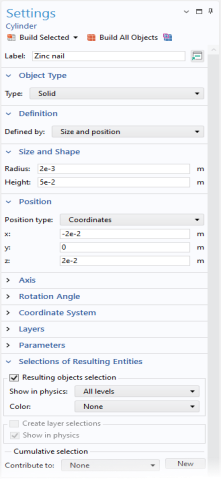
In the Settings window for Cylinder, type Zinc nail in the Label text field.
|
|
2
|
In the Settings window for Cylinder, type Copper nail in the Label text field.
|
|
3
|
In the Position section enter 2e-2 in the x text field.
|
 .
. .
.
 .
.
 in the Geometry toolbar and Zoom Extents
  in the Graphics toolbar.