Layer Selections
The By layer import method is an efficient way of creating selections when used together with the Layer selections option for the import. Easily identifiable selections with layer names are automatically created and can be used for assigning mesh size or physics settings, for example material properties.
In the following you will use these selections to assign appropriate materials, but first let’s review the selection settings for the import.
1
2
By default the Layer Selections checkbox is selected, and the Show in physics list is set to All levels so that the layer selections for domains and boundaries will be available in the physics and mesh settings. You may also choose Domain selection or Boundary selection, or turn off the display of these selections in physics altogether. For this latter case the selections will still be available in the geometry sequence.
3
4
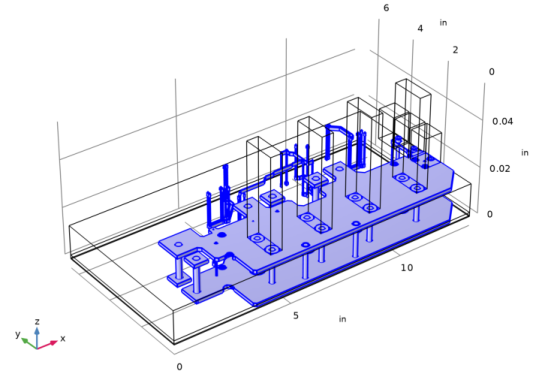
After import, selection called Metal was created and it includes everything in the files specified as metal. This single selection can be used for assigning materials or a meshing operation.
5
6
7
8
9
10
Notice that we have two more selection available apart from the individual selection. Metal is a selection that includes all the metal specified in the file, and Dielectric is a selection of everything else.
11