Drill Layers
1
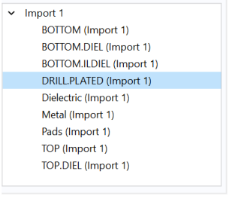
In the lower part of the selection window notice the named domain selections available. There is one drill layer selection that specifies the imported plated holes, DRILL.PLATED.
2
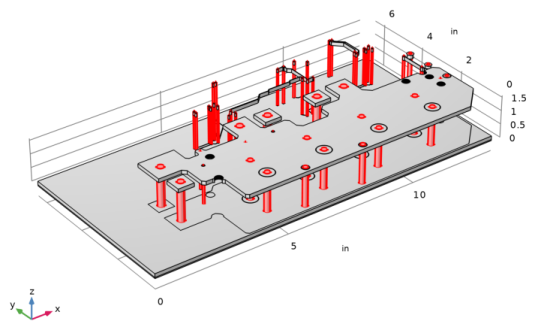
Click DRILL.PLATED domain selection.
The holes are highlighted as in the figure below.
Note: When the file is scanned, the thickness and elevation of drill layers is automatically detected. In this case, the drill layers span both dielectric layers.
3
By default, the drill objects handling method is set to Modify layer objects, meaning no new objects are created for drill layers. However, the existing metal and dielectric layers have been modified to incorporate drill layers.
The second method Create separate objects, extrudes drill layers separately for each layer.
Note: Objects for drill layers are generated only if the import of at least one dielectric layer spanned by the drill layer is turned on.
4