Importing the Geometry
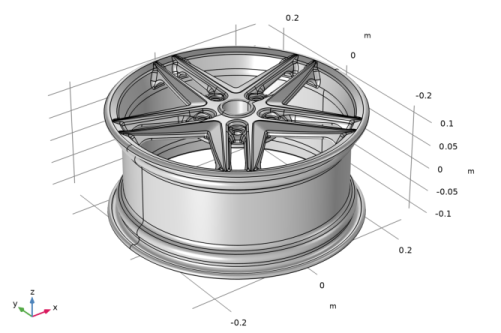
This tutorial uses the wheel rim geometry that appeared in the previous example. Make sure that the CAD Import Module geometry kernel is used.
1
2
3
4
5
In your COMSOL installation directory navigate to the folder applications/Design_Module/Tutorial_Examples and double click the file wheel_rim.x_b.
6
As soon as the import is done the geometry appears in the Graphics window.