|
1
|
|
7
|
 ) button next to the coordinates locks the vertex so that it is not possible to drag it in the Graphics window. The coordinates that are constrained this way become built-in dimensions and are not possible to modify by constraint and dimension features. For this example, leave all coordinates unconstrained as you will continue with applying constraints and dimensions to obtain the final shape of the bracket.
 ).
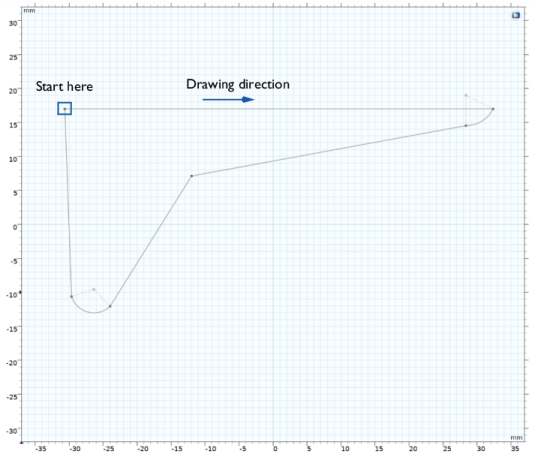
).
 ), then choose Start, Center, Angle.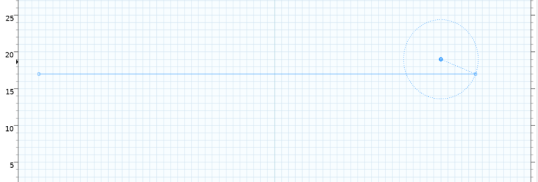
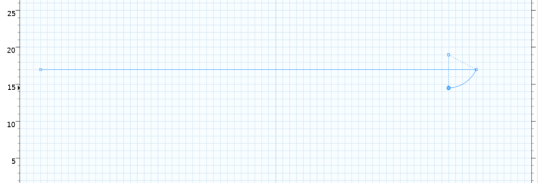
 ) to continue with the next straight edge.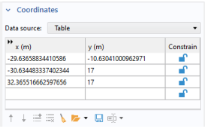
 ) button, or press Ctrl+Z.