Creating a New Model
1
Start COMSOL Multiphysics; then, under New, select Model Wizard.
2
Select 2D, then click Done to skip the steps of selecting physics interfaces and study types.
3
Under Component 1, select Geometry 1.
4
In the Settings window, under Units, change Length unit to mm.
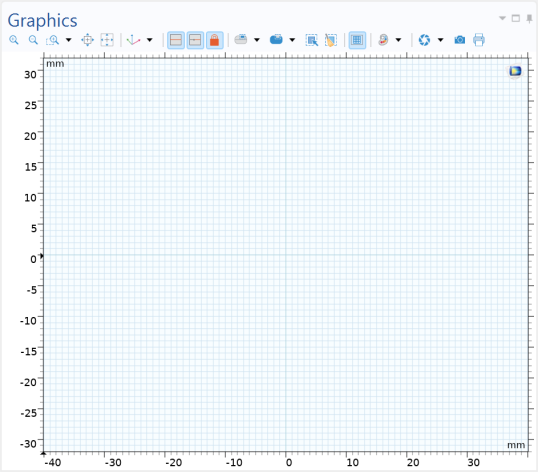
The bracket is larger than the default zoom level in the Graphics window. Adding constraints and dimensions is easier if the original sketch is drawn closer to its final size; therefore you can start by zooming out a few steps.
5
In the Graphics toolbar, click Zoom Out (
) five times.
Your Graphics window should look similar to the one below.
 ) five times.