Use Refine (

) to refine a mesh by splitting elements by either splitting the longest side of an element, or by inserting centerpoints, as seen in
Figure 8-98.
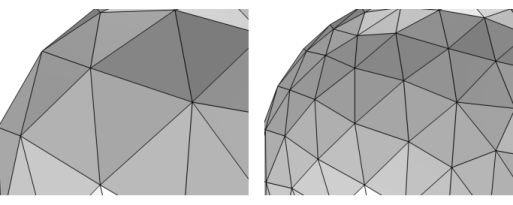
To add a Refine (

) node, select one or several entities in the
Graphics window, then choose one of the following:
From the Refinement method list, select
Regular refinement or
Split longest side. The regular refinement method bisects each edge of the element. The result is (with one exception) 2^(element dimension) new elements of the same type. For example, a triangle is split into four triangles; a prism element is split into eight prisms. The pyramid element is the exception: It is split into six pyramids and four tetrahedra. The longest side refinement method bisects the longest edge of each element. This method is generally not suitable for nonsimplex meshes because the refinement destroys the structured nature of such meshes; if you bisect one edge of a regular quad element, you get a triangle and a rather skewed quad element. For 1D elements, these methods are equivalent. For 1D models, this option is excluded.
Choose the number of consecutive mesh refinements from the Number of refinements list (the default is one refinement).
Check Specify bounding box to refine the mesh only within a box. If you refine the mesh only on certain domains, the mesh is refined only in the intersection between the box and the domains.
 ) from the Modifying Operations menu.
 ) from the Modifying Operations menu.

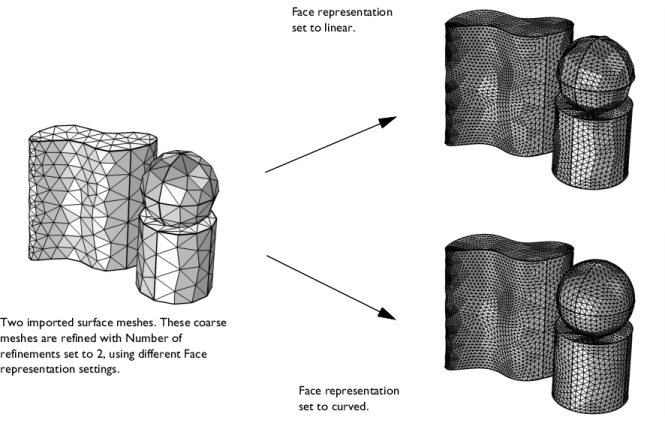


 ) on
) on