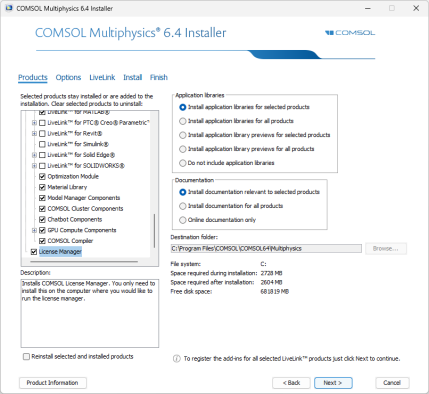
The license manager components are automatically installed when installing COMSOL Multiphysics unless otherwise specified on the Products page of the COMSOL Installer; see Products Page. In some cases, the license manager is also automatically configured to run as a service. The checkbox for the license manager components can be found last in the list of software components, as seen in the picture below:
The license manager can also be installed via the automated installation process; see Automated Installation. Set
licmanager = 1 in the answer file to install the license manager. To automatically configure the license manager to run as a service on Windows, use
licmanager.service = 1 in the
setupconfig.ini file and provide values for the other
licmanager.service.* lines.