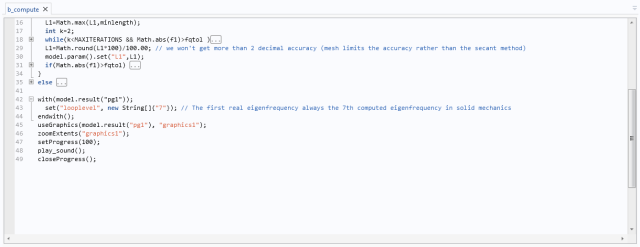
Click the − (minus) button to hide (fold) that code segment or the
+ (plus) button to display the code segment. When folded, put the cursor at the box with an ellipsis (…). A tooltip then displays the hidden code.
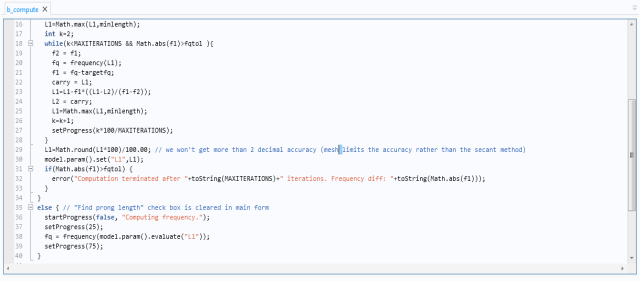
Right-click in the Method Editor and choose Toggle Folding Expansion in the method to toggle all the expansion states of the code folds that are represented by (-) or (+) in the left margin of the Method Editor. You can also use the keyboard shortcut Ctrl+Shift+-.