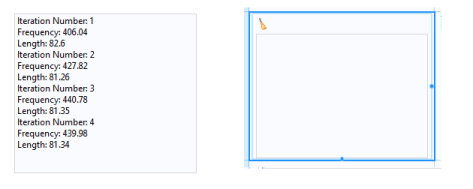
The Message Log object adds a window where you can display messages to inform the user about operations that the application carries out. Implement this feature using the built-in
message method with syntax:
message(String message). See also
GUI-Related Methods.
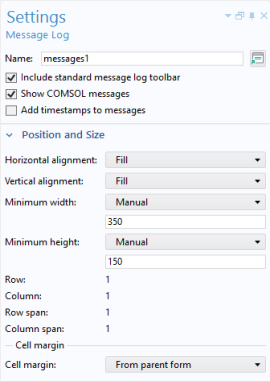
The Include standard message log toolbar checkbox is selected by default. When enabled, a toolbar appears in the
Messages window, similar to the one in the COMSOL Desktop.
The Show COMSOL messages checkbox is selected by default to enable messages from the built-in COMSOL Multiphysics core algorithms, such as geometry operations, meshing, and solving. Clear the checkbox to only allow messages from the application itself. You can include time stamps to message by selecting the
Add timestamps to messages checkbox.